 FastX Drive
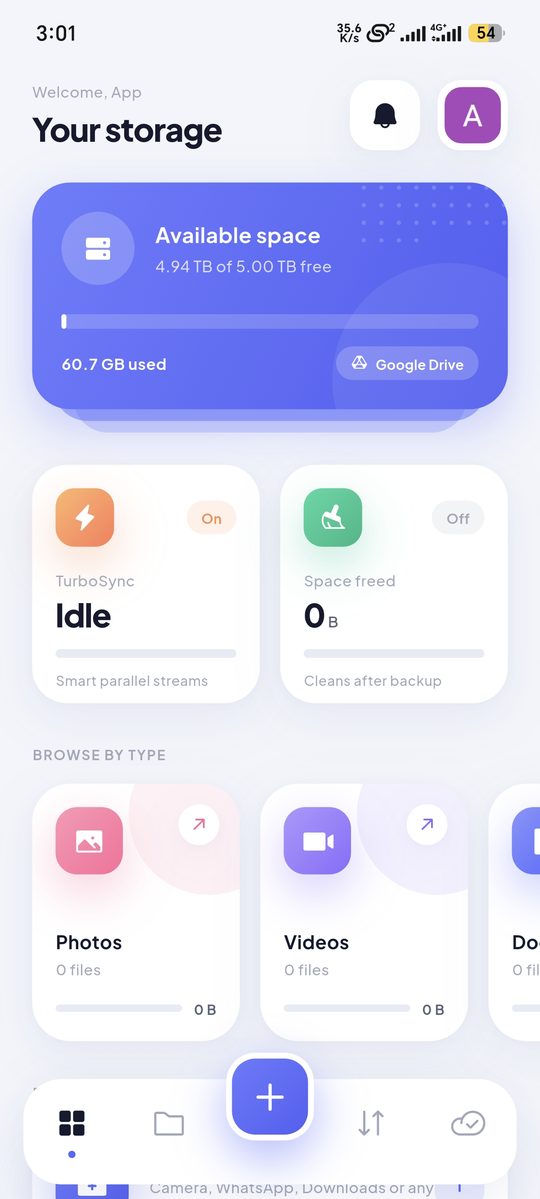
TurboSync engine
Uploads several files at once and downloads big files in pieces, picking the best number of streams for your network.
FastX Drive moves your photos, videos and files to your own Google Drive in parallel streams, keeps backing up new files automatically, and frees space on your phone once they're safe.
Built around one idea: your files should get to your Drive quickly, reliably and without you thinking about it.
Uploads several files at once and downloads big files in pieces, picking the best number of streams for your network.
Choose folders once – Camera, WhatsApp, Downloads or any folder. New and changed files are backed up every 15 min, hourly or daily.
Frees space on your phone after backup. A file is removed only after FastX confirms the copy in Drive matches exactly.
Send big files between phone and PC, or phone to phone, over Wi-Fi or hotspot. Scan a QR code – no internet needed.
Browse backups, swipe through photos, play videos in the app, rename, star, share a link or move to trash – one file or many.
Only the files FastX creates are visible to it. Add an optional fingerprint, face or Windows Hello lock.
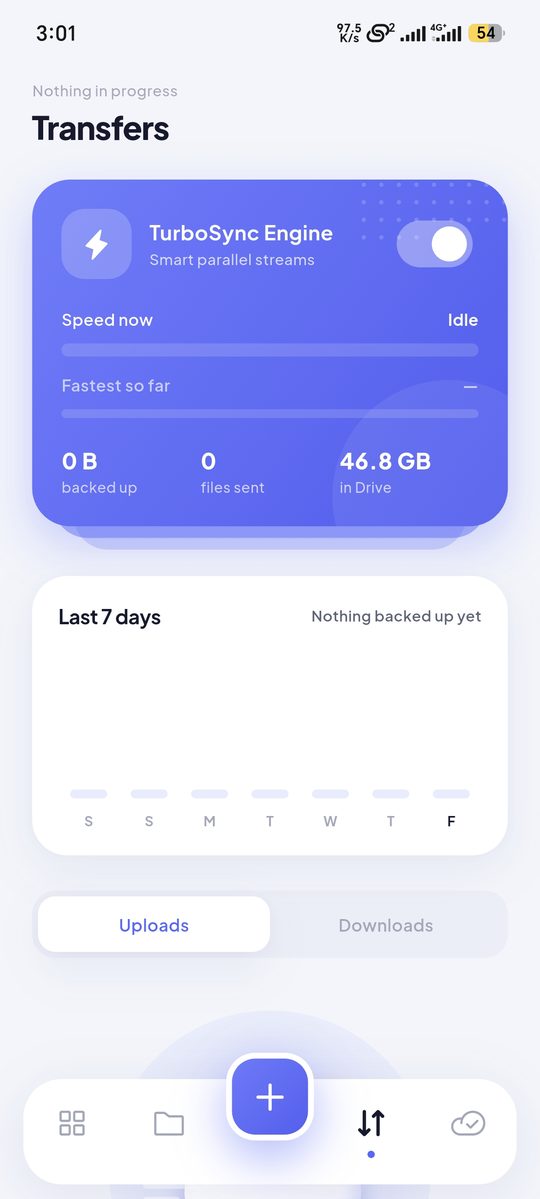
Uploads are resumable. If the connection drops or the app is closed, FastX picks up where it stopped instead of sending the whole file again.
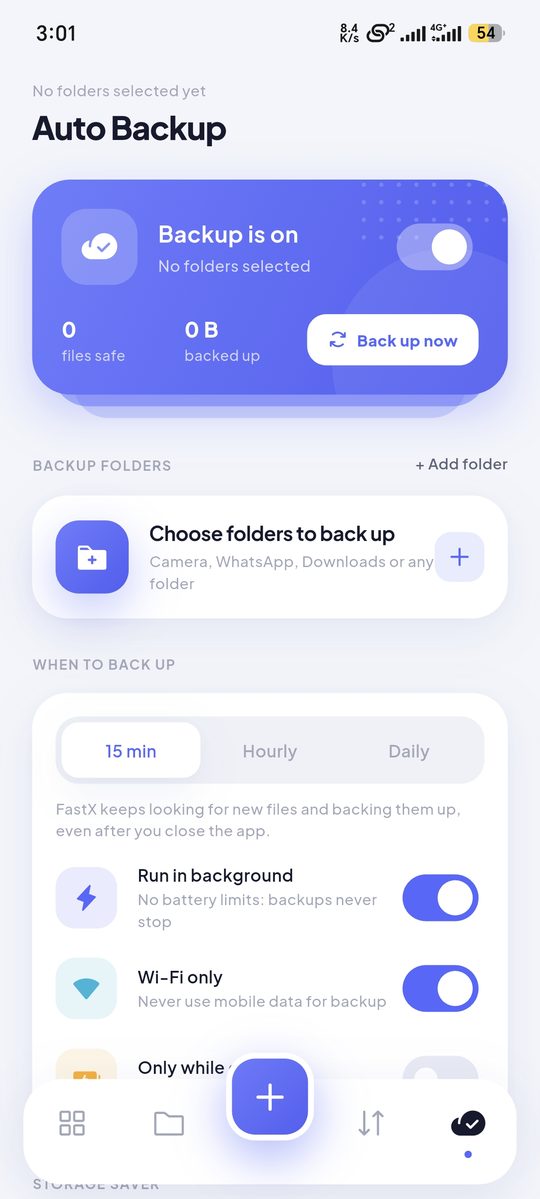
Tell FastX what matters once and it keeps those folders in Drive, on your terms.
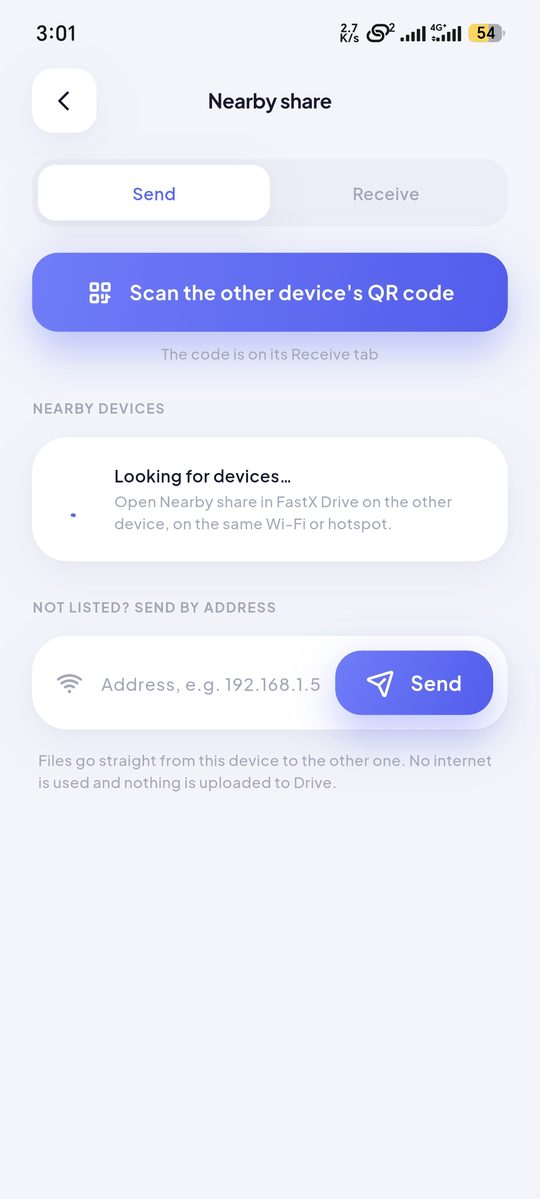
Open Nearby share on both devices, scan the QR code and send. Files go straight from one device to the other on your Wi-Fi or hotspot.
Use your own Google account. You stay signed in, even after the app is cleared from recents.
Camera, WhatsApp, Downloads or any folder on your phone or PC.
FastX backs up in the background, tells you when everything is safe in Drive, and can clear local copies to free space.
FastX talks directly to Google Drive from your device. We can't see your files, and we don't collect or share your data.
drive.file permission – only files FastX created.Back up any folder on Windows to the same Drive, keep it running in the tray, and receive files from your phone with Nearby share.
In a folder named "FastX Drive". Each backup folder gets its own sub-folder, and files you upload with + go to "Uploads".
It uploads several files at the same time and downloads large files in several pieces at once. Real speed depends on your internet connection.
Before a file is removed from the device, FastX compares it with the copy in Drive. It is deleted only when both match exactly.
For your privacy FastX only has access to the files it creates itself, not the rest of your Drive.
Not while "Wi-Fi only" is on in the Backup tab. Uploads you start yourself with + always run.
No. There is no FastX server. Your sign-in stays on your device and files go directly to your own Google Drive. See the privacy policy.
Delete files in the app or in Google Drive, sign out, or uninstall the app. You can also remove FastX's access at myaccount.google.com/permissions. More details.
Free on Android. No ads, no account to create – just sign in with Google.
Get it onGoogle Play